Setting up rigorous two-factor authentication (frequently referred to as two factor authentication or 2FA) remains the single highest-leverage defensive action any remote freelancer can take, immediately thwarting 99% of automated credential stuffing and phishing takeovers.
Simulate brute-force hash-cracking resilience across modern GPU clusters for your master passphrase. 100% client-side JavaScript, zero data transmitted.
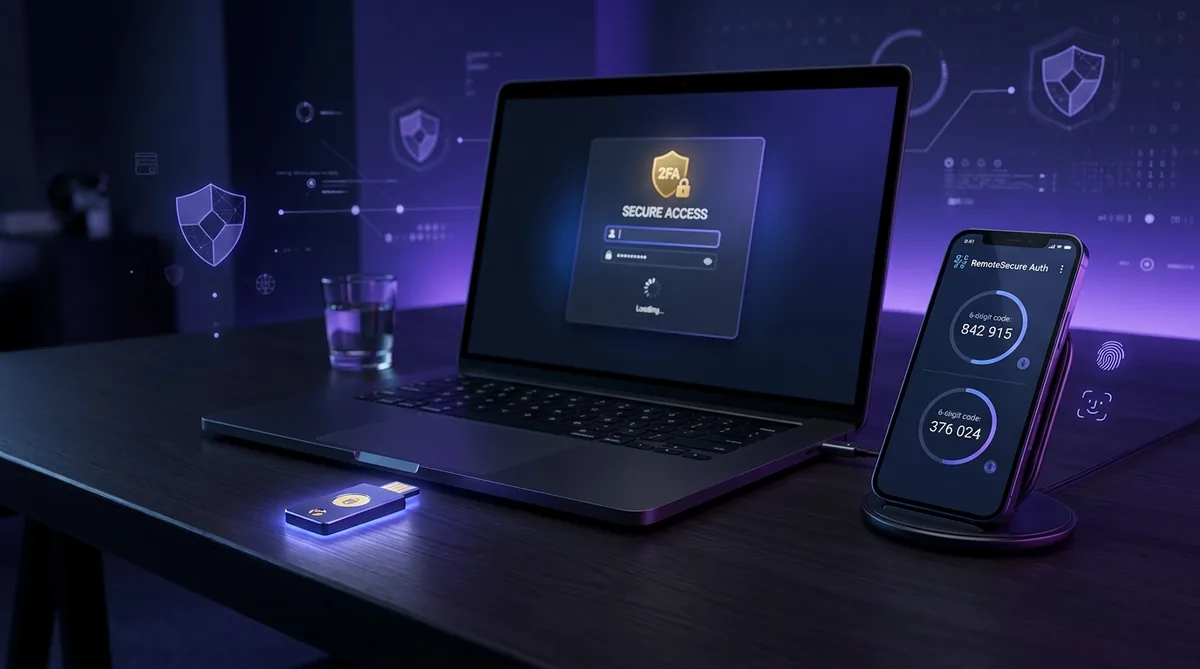
| Most Secure (Grade A+) | Hardware Security Keys (FIDO2 / WebAuthn, e.g., YubiKey 5 Series) • Phishing-proof domain binding |
| Recommended Standard (Grade A) | Software Authenticator Apps (TOTP, e.g., Ente Auth, 2FAS, Bitwarden) • Encrypted, offline rotation |
| Emerging Standard (Grade A-) | FIDO Passkeys (Cloud-synced biometrics via Apple Keychain, Google Password Manager, or 1Password) |
| Moderate Risk (Grade C) | App Push Prompts (e.g., Google Prompt, Microsoft Authenticator) • Vulnerable to MFA fatigue bombardment |
| Insecure Fallback (Grade D) | SMS & Voice Call Verification • Susceptible to SIM swapping, SS7 interception, and social engineering |
01 Why Two-Factor Authentication Matters for Freelancers
Even the most rigorous, high-entropy 24-character master password can be compromised through infostealer malware, a rogue browser extension, or an upstream credential leak at an unrelated vendor. For solo freelancers managing mission-critical client deliverables, relying solely on single-factor authentication is an untenable gamble.
Leading security architectures define the mechanism with precision. As Auth0’s technical explainer on multi-factor authentication outlines, true two-factor authentication mandates verifying identity through two fundamentally distinct authentication categories: something you know (your master password), and something you have (a cryptographic hardware token or rotating temporary software code).
This operational separation shifts the math completely in your favor. Furthermore, comprehensive research from Microsoft Security 101 on two factor authentication indicates that enabling multi-factor controls prevents over 99.9% of automated account takeover attacks. For an independent contractor whose business runs on cloud accounts, implementing two-factor authentication transforms your risk profile immediately.
02 2FA Methods Ranked by Security & Phishing Resistance
Not all verification channels provide equal protection. Understanding the hierarchy of two-factor authentication methods enables you to allocate appropriate safeguards based on asset sensitivity:
Hardware FIDO2 Security Keys
Physical USB/NFC keys (YubiKey) communicating via WebAuthn. Cryptographically bound to the browser URL; completely immune to reverse-proxy phishing kits (Evilginx).
Authenticator Apps (TOTP)
Time-based One-Time Passwords generated locally on your smartphone (Ente Auth, Aegis, Bitwarden). Rotating 6-digit codes that function without cellular data.
Cryptographic Passkeys
Public-key cryptography synced securely across your Apple or Google ecosystem, validated via Touch ID, Face ID, or Windows Hello biometrics.
SMS Text Messages & Email Codes
Unencrypted carrier transmissions vulnerable to SIM swapping, cellular SS7 interception, and social engineering attacks against mobile network representatives.
Industry leaders have aligned around this ranking. In official safety guidance, X’s account security documentation explicitly recommends security keys as the highest tier of defense, while developer hubs like GitHub require mandatory two-factor authentication for active code contributors, favoring hardware keys and TOTP authenticators.
03 Official Setup Guides for Core Freelancer Ecosystems
Configuring multi-factor authentication across your core software stack takes less than 30 minutes when following official procedures:
- Apple ID & iCloud: According to Apple’s official two-factor authentication guide, navigate to Settings › [Your Name] › Sign-In & Security, tap Two-Factor Authentication, and add trusted numbers or configure physical FIDO2 security keys.
- Google Workspace & Gmail: As detailed in Google Account Support for 2-Step Verification, access your Google Account security tab, select 2-Step Verification, and configure your preferred Authenticator App or hardware Passkey.
- Microsoft 365 & Azure: Following Microsoft’s two-step verification documentation, log in to your Microsoft Account dashboard, select Advanced Security Options, and activate two-step verification.
- GitHub & Version Control: Open your GitHub profile, select Settings › Password and authentication, and configure two registered security keys (one primary, one backup) alongside your authenticator app.
Both 1Password and Bitwarden can store and autofill rotating TOTP codes directly inside their vault extensions. If you choose this convenient approach, you must protect the master password manager account itself with a standalone hardware key or separate mobile authenticator app.
04 The 4-Tier Setup Hierarchy: What to Enable First
When retrofitting your digital security, do not attempt to configure fifty accounts simultaneously. Prioritize your rollout using a sequential risk-based hierarchy:
| Priority Tier | Target Systems | Why It Must Be Secured Immediately |
|---|---|---|
| Tier 1: Root Identity | Primary Email (Google Workspace, Proton, Outlook) | Controls password reset links for every other service you own. If this falls, everything falls. |
| Tier 2: Password Vault | Bitwarden, 1Password, Dashlane | Houses credentials, secure notes, and client secrets. Enforce FIDO2 hardware keys or biometric passkeys. |
| Tier 3: Repos & Cloud | GitHub, GitLab, AWS, Google Cloud, Dropbox | Protects proprietary client source code, intellectual property, and production deployment environments. |
| Tier 4: Billing & Finance | Stripe, PayPal, QuickBooks, Upwork, Bank Accounts | Prevents unauthorized payout account redirection, fraudulent invoicing, and wire tampering. |
By locking down Tier 1 and Tier 2 within your first afternoon, you neutralize over 90% of your catastrophic risk surface.
05 Emergency Recovery Protocol: What Happens If You Lose Your Device
The most paralyzing dread associated with two-factor authentication is the fear of being locked out of your own business if your smartphone drops into a pool or gets stolen during travel. A complete 2FA deployment must include an infallible recovery plan:
- Print or Export Emergency Recovery Codes: Whenever you enable 2FA on a service (Google, GitHub, Apple), the platform issues 8 to 10 single-use emergency alphanumeric codes. Never leave them in your downloads folder. Print them on physical paper or store them in an encrypted, offline USB drive.
- Register Dual Hardware Security Keys: If you use hardware keys, purchase two identical keys (e.g., YubiKey 5C NFC). Register both keys on all critical accounts. Keep one on your everyday keychain and lock the backup key inside a home safe.
- Select an Authenticator with Encrypted Cloud Sync: If you rely on software TOTP, choose open-source authenticators that support end-to-end encrypted backups (such as Ente Auth or 2FAS). If your phone is lost, you can restore your entire 2FA vault onto a new phone using your private recovery passphrase.
Pair this recovery blueprint with our comprehensive Annual Security Audit Template to verify backup code integrity once every twelve months.
06 The Fatal Flaw of SMS 2FA: SIM Swapping & Interception
Many freelancers assume that receiving a 6-digit text message on their phone is sufficient protection. In reality, cybersecurity practitioners consider SMS-based verification a dangerously compromised protocol:
SMS was designed in the 1980s as a plain-text telecommunications convenience, with no cryptographic authentication or encryption built in. Relying on SMS for critical financial or operational security leaves you exposed to widespread SIM-swapping fraud.
In a SIM-swap attack, a cybercriminal contacts your cellular service provider (Verizon, AT&T, T-Mobile), impersonates you using leaked personal data, and tricks customer support into porting your phone number onto a new SIM card under their physical control. Within minutes, every incoming 2FA code lands on the hacker’s device, enabling them to reset your passwords effortlessly.
Whenever an online platform offers an alternative, always disable SMS verification in favor of an authenticator app or hardware key. If a legacy banking service forces SMS, set up a carrier account PIN or port transfer lock with your mobile operator immediately.
07 Frequently Asked Questions About Two-Factor Authentication
Is SMS two-factor authentication still better than no 2FA at all?
Can my password manager safely store my two-factor authentication codes?
What should I do if a client does not enforce 2FA on their portals?
What happens if I lose my phone with my authenticator app installed?
08 Final Verdict: Locking Down Your Freelance Identity in 2026
In an era of relentless credential leaks and automated attack kits, passwords alone are no longer a viable defense. Adopting comprehensive two-factor authentication across your digital workstation requires minimal upfront effort and eliminates 99.9% of account takeover vectors.
Begin this afternoon by securing your primary email and password manager with an authenticator app, print your emergency backup recovery codes, and treat your digital identity with the professional rigor it deserves.
Identity Defense Verdict: SafeStackPro Standard
Enforce multi-factor verification across all four priority tiers. Upgrade legacy SMS codes to software TOTP apps or FIDO2 hardware keys, and always maintain an offline copy of your emergency single-use recovery codes.
