
Public WiFi networks at cafes, airports, and coworking spaces are a top attack vector for data theft. A VPN with a kill switch and DNS leak protection is the single most effective defense for freelancers.
Public WiFi Risks for Freelancers
Open networks at coffee shops and airports allow attackers on the same network to intercept unencrypted traffic, including login credentials, client files, and payment information — a serious risk for any freelancer working remotely.
How a VPN Protects You
A VPN encrypts all traffic leaving your device before it reaches the public network, making intercepted data unreadable even if captured. This single layer of protection neutralizes most common public WiFi attacks.
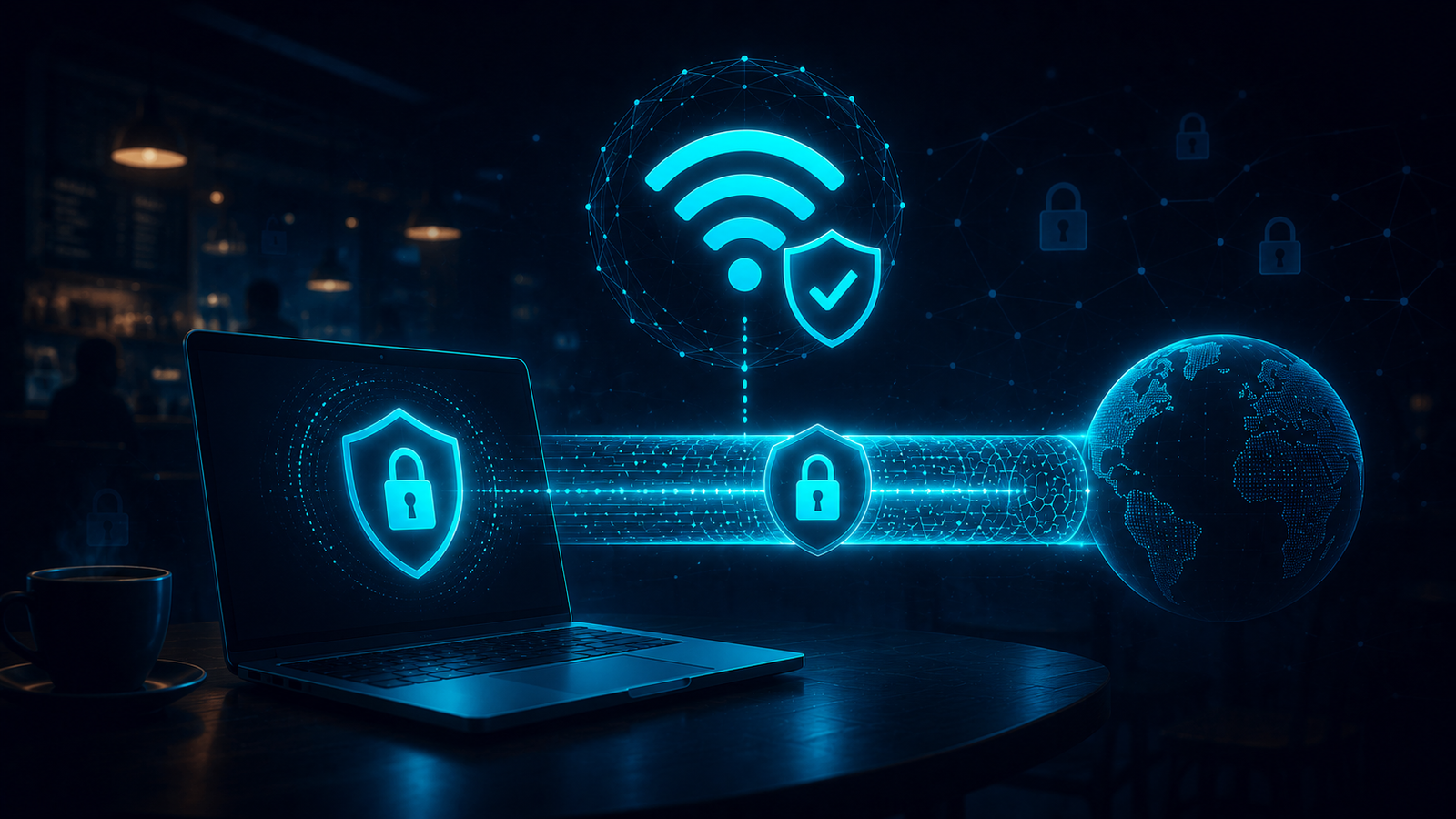
Must-Have Features for Public WiFi Safety
- Automatic kill switch — cuts internet if the VPN disconnects unexpectedly
- DNS leak protection — prevents your browsing requests from bypassing the VPN tunnel
- Auto-connect on untrusted networks — activates the VPN automatically when joining unknown WiFi
What Actually Goes Wrong on Coworking WiFi
Most freelancers assume the risk is a stranger actively hacking them mid-session — in practice, the more common failure is quieter: a laptop set to auto-join any open network, a VPN app that silently disconnected an hour ago without the kill switch catching it, or a client portal left logged in on a shared coworking-space network where dozens of other people’s devices sit on the same subnet. None of that requires a sophisticated attacker, just an unencrypted connection and bad luck. A password manager helps if a session does get hijacked, but the VPN is what stops the interception in the first place — which is why the two are usually recommended together, not as alternatives to each other.
Quick Safety Checklist
Before connecting to any public network: verify your VPN auto-connects, confirm the kill switch is enabled, avoid entering payment details until the VPN is confirmed active, and never skip software updates on your VPN app.
How to Actually Confirm the VPN Is Working, Not Just Turned On
An app showing “Connected” isn’t proof your traffic is actually protected — kill switches fail silently, and DNS requests can leak outside the tunnel even when the main connection looks fine. The check takes under a minute: visit a DNS leak test site (dnsleaktest.com is the standard one) with the VPN on, and confirm the servers listed match your VPN provider’s location, not your actual ISP. If your ISP’s name shows up, DNS leak protection isn’t working regardless of what the app’s status icon says.
Worth doing once when you first set up a VPN, and again anytime you switch networks or update the app — a silent regression after an update is exactly the kind of gap the coworking-space scenario above depends on.
Coffee Shop, Airport, and Coworking Space Aren’t the Same Risk
Lumping all “public WiFi” together hides a real difference in exposure. A coffee shop’s network usually has a handful of devices on it at once, most there for an hour, low stakes for an attacker to bother setting up anything sophisticated. Airport WiFi is a bigger target — high device turnover, travelers who are distracted and more likely to click through a fake captive-portal login page, and enough daily volume to make a fake “Airport Free WiFi” access point worth an attacker’s time to set up.
Coworking spaces sit in between, but with one added wrinkle: unlike a coffee shop, the same devices tend to be on the network daily, which means a compromised device sitting on that subnet has repeated opportunities, not just one session. That’s the scenario behind the kill-switch failure described above — it’s not a one-off risk, it’s a standing one for anyone working from the same coworking space every week.
FAQ
Is a VPN enough to stay safe on public WiFi?
A VPN handles the encryption layer effectively, but pairing it with HTTPS-only browsing and a password manager provides comprehensive protection.
Which VPNs have the best kill switch?
NordVPN, ExpressVPN, and ProtonVPN all offer reliable system-level kill switches tested extensively in 2026.
Can free VPNs protect me on public WiFi?
Most free VPNs lack robust kill switches and leak protection — a paid VPN is strongly recommended for this specific risk.
Verdict
Any freelancer working from public spaces should treat a VPN with kill switch protection as non-negotiable infrastructure, not an optional extra. See audited VPN reviews →
