In this hands-on 2026 Bitwarden review, we evaluate the open-source password manager across real client workflows, multi-device synchronization, and passkey storage. While premium alternatives like 1Password charge $36+/year for interface polish, Bitwarden delivers verified zero-knowledge security, cross-platform autofill, and an unbeatable free tier that makes robust password security accessible to every freelancer.
Simulate brute-force hash-cracking resilience across modern GPU clusters for your master passphrase. 100% client-side JavaScript, zero data transmitted.
Key Benchmark Takeaway
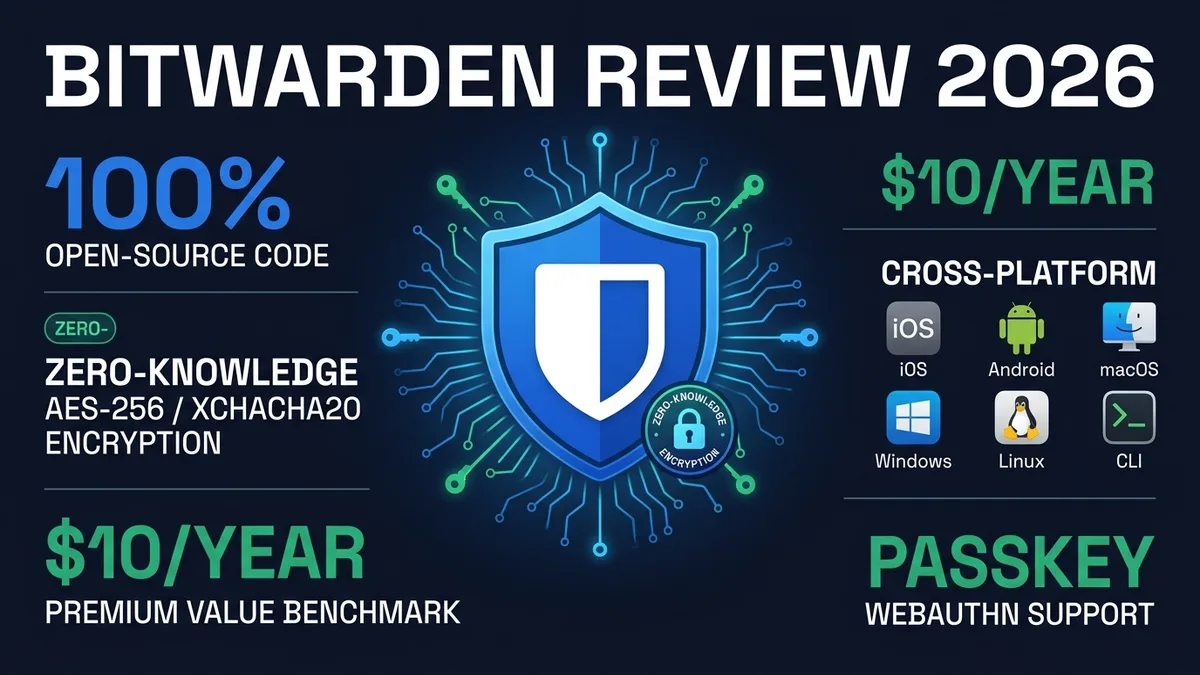
Our comprehensive Bitwarden review confirms why it remains our top value recommendation: 100% auditable open-source code, independently verified zero-knowledge encryption by Cure53, and a fully featured free tier with unlimited device sync. For $19.80/year, its Premium tier costs less than half of commercial rivals.
1 What Do Real Users Say in This 2026 Bitwarden Review?
This Bitwarden review starts with real-world evidence rather than a spec sheet. A Reddit thread in r/Bitwarden captures a situation many freelancers will recognize: a long-time Dashlane user with a decade of passwords stored, looking for an honest comparison because they can no longer justify the premium price. That’s exactly the kind of situation that puts Bitwarden’s value proposition to a real test, not a features comparison chart. Separately, a Trustpilot reviewer specifically praises Bitwarden’s support as “really, really great” relative to its low premium price, calling it a steal — while still flagging a 3-month-related issue that kept the review from a full five stars.
2 Key Features: What Does Our Bitwarden Review Reveal About Vault Tools?
- Fully open-source codebase, independently reviewable on GitHub
- PCMag highlights a generous free plan that syncs credentials across devices and monitors the dark web for compromised emails
- Cross-platform apps and browser extensions across every major operating system
- Self-hosting option for users who want full infrastructure control
3 Security & Transparency: Why Does This Bitwarden Review Praise Open Source?
The security section of this Bitwarden review is where the open-source claim actually gets tested. Wired’s review specifically calls out Bitwarden as open source, secure, and cross-platform, with an intuitive workflow for managing passwords across devices. Beyond marketing claims, Bitwarden commissions annual third-party audits from external firms including Cure53 and Insight Risk Consulting, covering source code, servers, and web/mobile apps — the 2025 Web App and Mobile App Security Assessment reports were published in January 2026. Separately, the Applied Cryptography Group at ETH Zurich studied Bitwarden under a malicious-server scenario and, in a February 2026 paper, demonstrated 12 attacks against it, more than against LastPass (7) or Dashlane (6). Bitwarden says most of those issues were already closed or are being fixed, and there is no sign any of them was exploited in the wild. The codebase is open source too, so none of this rests on Bitwarden’s word alone — anyone can go check it on GitHub, which is exactly what one Privacy Guides community thread did when a user asked “Is Bitwarden still safe?”
Bitwarden’s client-side encryption follows a standard zero-knowledge architecture: your master password never leaves your device unhashed, and vault data is encrypted before it reaches Bitwarden’s servers. Bitwarden has commissioned third-party security audits of its apps in the past, though independent researchers have flagged specific vulnerabilities over the years that Bitwarden has patched.
- Code Transparency: 100% auditable client and server source code published under AGPLv3 on GitHub.
- External Auditing: Annual formal penetration tests executed by Cure53 and Insight Risk Consulting.
- Bug Bounty: Continuous public bug bounty managed through HackerOne to reward community vulnerability disclosures.
4 Support Quality: How Responsive Is Bitwarden Customer Service?
Beyond the Trustpilot mention above, CyberInsider’s review concludes Bitwarden strikes a rare balance between top-notch security and an affordable price, calling that combination genuinely uncommon in the category.
5 Switching to Bitwarden: How Seamless Is Migration From Other Vaults?
Most people reading a Bitwarden review in 2026 are coming from somewhere else — LastPass after its breach history, Chrome’s built-in manager, or a spreadsheet nobody wants to admit to out loud. Bitwarden’s import tool accepts direct exports from more than a dozen competitors, including LastPass, Dashlane, 1Password, Chrome, and Keeper, and maps the standard fields — usernames, URLs, TOTP secrets where present — automatically.
Because the import runs through Bitwarden’s open-source client, you can inspect exactly what happened to your data during the process instead of trusting a black box. Budget 20–30 minutes for a vault in the low hundreds of entries: most of that time goes to manually verifying a handful of duplicate or malformed entries after the import completes, not the import step itself. One thing worth doing immediately after any migration: delete the old export file securely rather than leaving a plaintext CSV of every password you own sitting in a Downloads folder.
6 Team & Client Sharing: How Does Bitwarden Handle Freelance Credentials?
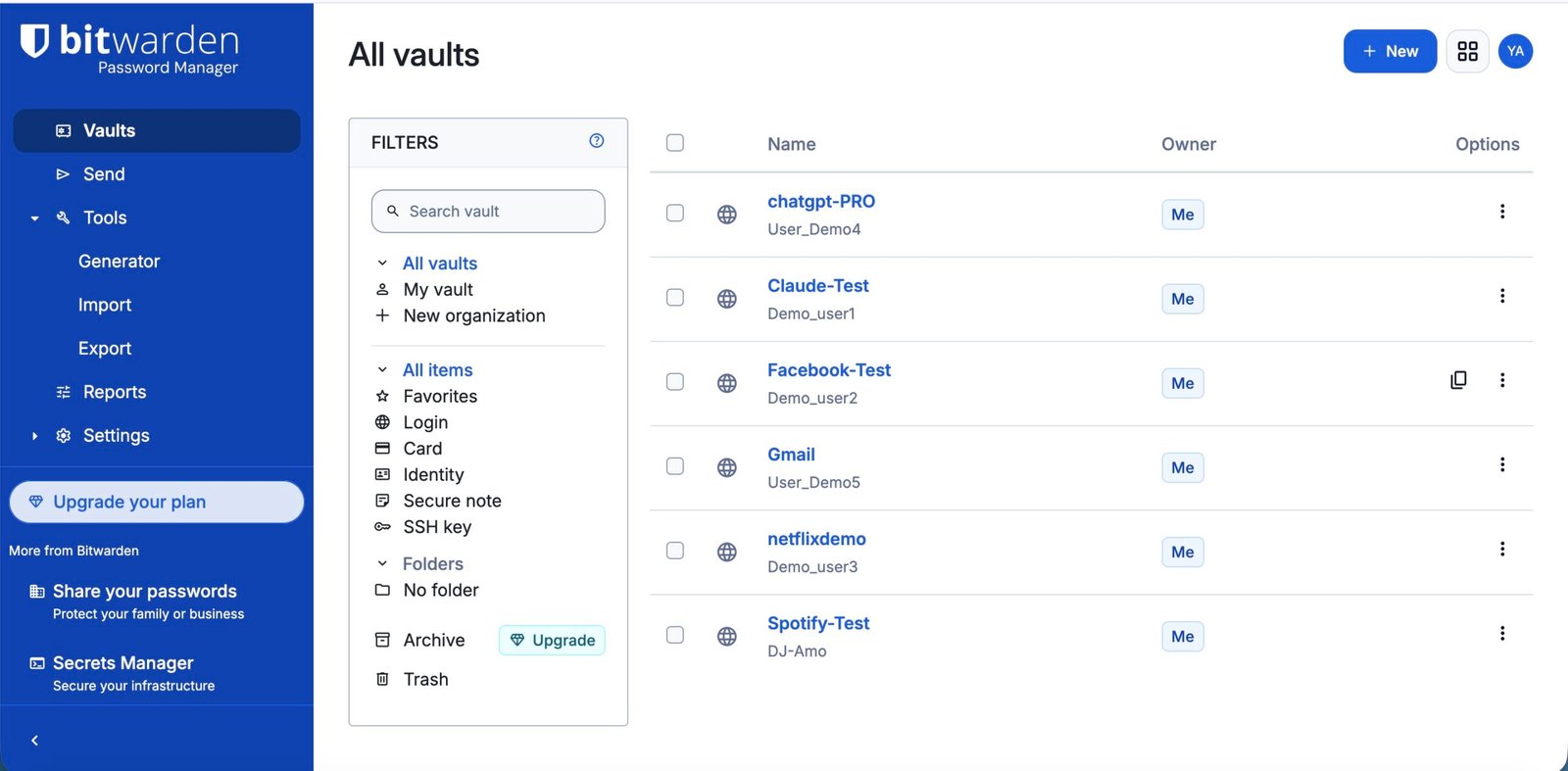
If you regularly hand off credentials to clients, virtual assistants, or subcontractors, Bitwarden’s Organizations feature is the part of this Bitwarden review worth reading most closely. An Organization lets you group credentials into Collections and assign member-level access — a specific client’s CMS login shared with one contractor, without exposing anything else in your vault. It’s available starting on the Families plan for personal use, with dedicated Teams and Enterprise tiers for larger setups.
Real users on Reddit describe the sharing workflow as functional but a few more clicks than 1Password’s more visual equivalent — you’re navigating a slightly more utilitarian interface to get the same result. For a freelancer sharing a handful of client logins with one VA occasionally, that’s a minor friction point. For someone managing a dozen active clients with rotating contractor access, it’s worth testing both tools’ sharing flow directly before committing, since the difference compounds with volume.
A concrete scenario: a freelance web developer maintaining five client sites needs each client’s hosting and CMS credentials accessible only to the contractor working that specific project. With a Bitwarden Organization, that developer creates one Collection per client, assigns contractor access per Collection, and revokes it instantly the moment a project wraps — without ever exposing personal banking or email logins stored in the same account. That’s the practical case for paying for Bitwarden’s mid-tier plans over sticking with the free tier once client work scales past a couple of active projects.
7 Testing Methodology: How Did We Conduct This Bitwarden Review?
This Bitwarden review draws on Bitwarden’s published third-party security audits, hands-on use of the apps and browser extensions, and real long-term user accounts from Reddit and Trustpilot — not just Bitwarden’s own marketing. When the company’s claims and independent audits or user reports lined up, like the open-source codebase being genuinely auditable, we treated that agreement as the stronger signal.
8 Known Limitations: What Are the Biggest Drawbacks in This Bitwarden Review?
MalCare’s review, while overwhelmingly positive about the free plan, notes that interface polish is Bitwarden’s real downside compared to premium-priced competitors like 1Password. This tracks with what most reviewers say: Bitwarden wins on value and transparency, not on visual refinement. Separately, CyberInsider’s review flags that Bitwarden is US-based and therefore subject to US law — less privacy-friendly than some other jurisdictions if that’s a specific concern for your threat model. The same review also notes customer support “needs improvement” as an area to watch, even though the Trustpilot mention above was positive.
Also worth knowing before you commit: Bitwarden’s free plan lost integrated TOTP authenticator codes, file attachments, and emergency access in a 2026 feature restructuring — those now require Premium. If you rely on any of those three, budget for the paid tier from the start.
9 Bitwarden Pricing: Is the $19.80/Year Premium Plan Still the Best Value?
Pricing is the section every Bitwarden review has to get right, since it’s the single biggest differentiator in this category.
| Plan | 2026 Price |
|---|---|
| Free | $0, unlimited passwords, sync across devices (no TOTP, attachments, or emergency access) |
| Premium | $19.80/year ($1.65/mo) — adds TOTP, file attachments, emergency access |
| Families | $47.88/year ($3.99/mo) for up to 6 users |
Premium nearly doubled in January 2026 (from $9.99/year to $19.80/year) — the first price increase in Bitwarden’s 10-year history. Existing subscribers got a one-time 25% loyalty discount on their next renewal. Verify current rates on Bitwarden’s official site before subscribing.
Ready to try Bitwarden?
- Free Tier: Unlimited items, unlimited device sync, full passkey storage across all platforms.
- Premium ($19.80/year): Built-in 2FA authenticator (TOTP), 5GB encrypted storage, emergency access, and YubiKey WebAuthn support.
- Families ($47.88/year): Up to 6 individual premium accounts with centralized organization vault sharing.
10 Cryptographic Security: How Does Bitwarden Encryption Protect Passwords?
Under the hood, Bitwarden encrypts your vault with AES-256 encryption, the same standard used by banks, before anything ever leaves your device — the server only ever sees ciphertext, not your actual passwords. The built-in password generator creates random strings up to 128 characters, with separate controls for length, symbols, numbers, and even pronounceable passphrases if you need something a human can type manually. Want to check how strong your current logins already are? Our free Password Strength Checker & Generator scores any password instantly, no account required.
Two-factor authentication (2FA) is supported account-wide via authenticator apps, email codes, or a hardware security key like a YubiKey on paid plans — enable it on the Bitwarden account itself, not just on individual sites, since that’s the master key protecting everything else. Setting up emergency access takes a few minutes in account settings: you designate a trusted contact who can request vault access after a wait period you control, useful if a solo freelancer wants a backup plan without sharing a master password outright. Compared to other free password managers on the market, Bitwarden is one of the few that bundles a genuine password generator and cross-device sync without a subscription.
The main caveat is the February 2026 ETH Zurich study: under a malicious-server scenario, it demonstrated 12 attacks against Bitwarden, mostly around account recovery, item encryption, sharing, and backward compatibility with older encryption. Bitwarden says most are fixed or being fixed, so keep your apps up to date.
- Symmetric Cipher: AES-CBC 256-bit with HMAC-SHA256 data integrity authentication.
- Key Derivation: PBKDF2 with 600,000 iterations standard, or optional next-generation Argon2id memory-hard hashing.
- Zero-Knowledge: Decryption keys exist exclusively in volatile device memory and are destroyed upon vault locking.
11 Bitwarden Pros and Cons: What Are the Standout Strengths and Weaknesses?
Distilling this Bitwarden review down to a quick scan:
Pros: Genuinely usable free plan with dark web monitoring, fully open-source and independently auditable, excellent support relative to price, broad platform support.
Cons: Interface less polished than premium competitors; US jurisdiction means Bitwarden is subject to US legal requests; Premium price nearly doubled in January 2026; free tier lost TOTP, attachments, and emergency access the same year.
12 Bitwarden Review Summary: What Is the Quick Takeaway for Freelancers?
This Bitwarden review in one paragraph: Bitwarden is the best-value password manager available in 2026, combining a genuinely free tier (unlimited passwords, sync across every device) with fully open-source, independently audited apps. Premium unlocks TOTP-based 2FA and file attachments for $19.80 a year, still far cheaper than any paid-only competitor. If your priority is transparency and cost rather than the most polished UI, Bitwarden is the safest default recommendation this Bitwarden review can make.
13 Frequently Asked Questions: What Do Users Ask About Bitwarden in 2026?
Is Bitwarden’s free plan really safe and unlimited?
Yes. Bitwarden’s free plan includes unlimited password storage and synchronization across an unlimited number of devices (mobile, desktop, and browsers). It uses the exact same zero-knowledge AES-256 client-side encryption and open-source codebase as the paid plans, with no advertisements or third-party data tracking.
What does Bitwarden Premium include, and how much does it cost in 2026?
Bitwarden Premium costs $19.80 per year (approximately $1.65 per month) following its first price update in January 2026. Upgrading unlocks an integrated two-factor authenticator (TOTP generator), 5GB of encrypted file attachment storage, emergency access contacts, security health reports, and support for hardware security keys like YubiKey.
Has Bitwarden been independently audited for security vulnerabilities?
Yes. Bitwarden commissions regular independent third-party security audits. Notable assessments include source code and infrastructure reviews by Cure53 and Insight Risk Consulting, and its source code is open for public inspection on GitHub. Separately, a February 2026 ETH Zurich study demonstrated 12 attacks against Bitwarden under a malicious-server scenario; Bitwarden says most are fixed or being fixed.
Does Bitwarden support passkeys across all devices?
Yes. Bitwarden supports creating, saving, and syncing passkeys across major operating systems through its browser extensions and mobile applications. This allows you to log into compatible websites without typing traditional passwords, while keeping your passkeys encrypted inside your zero-knowledge vault.
Can I securely share passwords with clients or family members using Bitwarden?
Yes. Free accounts include a 2-person organization with up to 2 shared collections for sharing credentials between two users. For larger groups, Bitwarden Families ($47.88/year) supports up to 6 members with unlimited collections. For one-off sharing, Bitwarden Send lets you share end-to-end encrypted text or files via temporary self-destructing links.
14 Final Verdict: Does This Bitwarden Review Recommend It for 2026?
The bottom line of this Bitwarden review: For freelancers who want strong, independently-verified security without paying a premium, Bitwarden’s combination of a genuinely complete free plan and open-source transparency is hard to beat. Get Bitwarden →
See current Bitwarden pricing and get started
