Choosing between Google Drive vs Dropbox vs OneDrive comes down to what you value most: the biggest free tier, the strongest security, or seamless Microsoft integration. This hands-on comparison breaks down all three for freelancers and solopreneurs who need a clear answer, not just spec sheets.
Protect your freelance workstation with our suite of free in-browser tools: instant VPN leak tests, browser fingerprint audits, and high-entropy password generators.
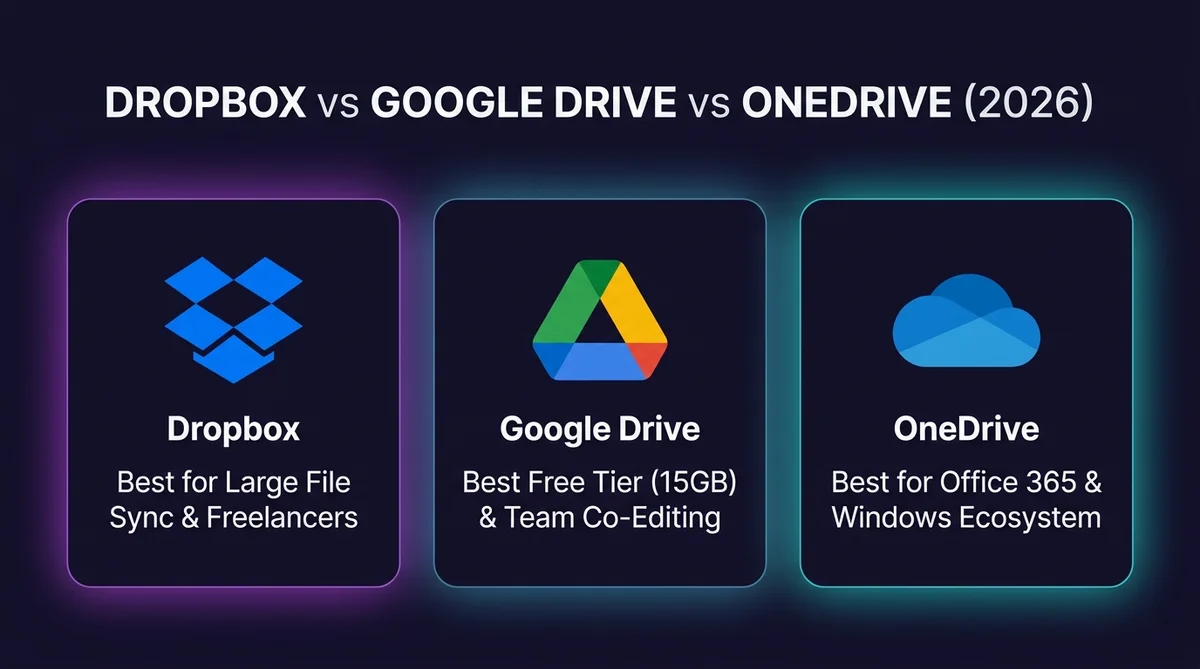
| Biggest free tier | Google Drive (15GB) |
| Best security | Dropbox, per cloud4u’s comparison |
| Fastest sync | Dropbox — block-level sync only re-uploads changed portions of a file |
| Best for Microsoft clients | OneDrive — only if they already run Microsoft 365 |
| Cheapest 2TB plan | Google One Premium, $9.99/month |
No existing ecosystem pulling you either way? Start with Google Drive. Moving large video or design files daily? Dropbox. Client already on Microsoft 365? OneDrive.
cloud4u’s direct comparison gives Dropbox the edge for overall security, followed by Google Drive, with OneDrive lagging behind specifically due to encryption limitations on personal accounts — but storage capacity tells a very different story.
1 A Common Real-World Comparison
- Google Drive Wins for Collaboration: Unbeatable real-time document editing, frictionless client sharing, and a generous 15 GB free tier.
- Dropbox Wins for Heavy Media: Proprietary block-level syncing uploads modified multi-gigabyte video and design files significantly faster than competitors.
- OneDrive Wins for Windows & Office: Built directly into Windows 11 file explorer and offers unmatched cost efficiency when bundled with Microsoft 365.
- Zero-Knowledge Note: None of the three provide native zero-knowledge end-to-end encryption by default; sensitive client data requires third-party encryption tools.
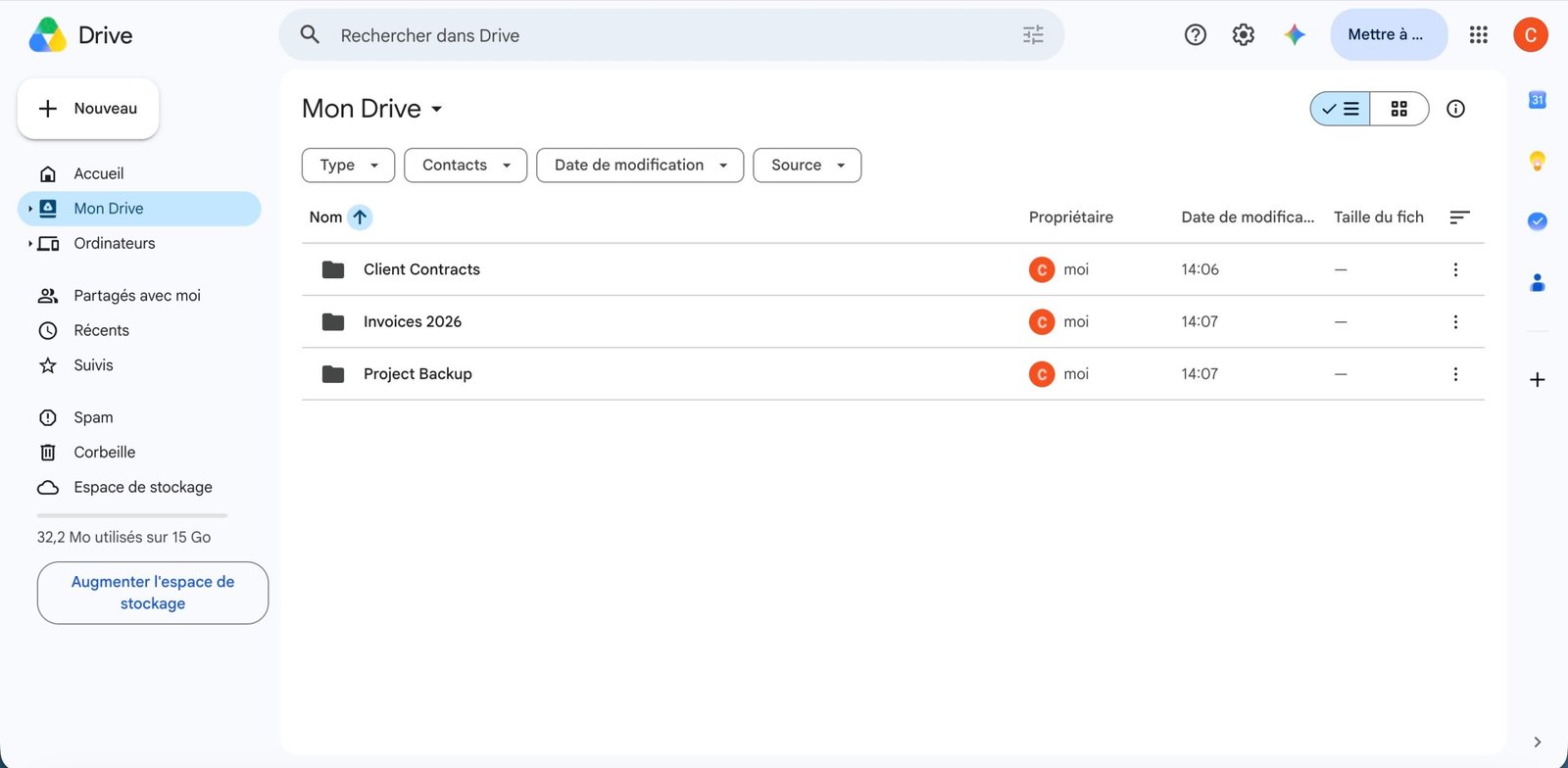
A Reddit thread in r/cloudstorage captures a relatable real scenario: someone choosing cloud storage for an Android user, specifically a non-tech-savvy family member who needs to save photos and videos from her phone, having previously relied on sending pictures manually.
2 Google Drive vs Dropbox: The Two-Way Verdict
Google Drive tends to win for real-time multi-user document editing, since Docs/Sheets/Slides are built around live collaboration. Dropbox has a longer track record with block-level delta sync, which matters most if you’re regularly uploading large creative files (video, RAW photos) over a slow connection.
Most people comparing cloud storage aren’t weighing three options — they’re choosing between Google Drive and Dropbox specifically, since OneDrive mostly only makes sense if you’re already locked into Microsoft 365. Here’s that comparison on its own, with 2026 pricing.
| Factor | Google Drive | Dropbox |
|---|---|---|
| Free tier | 15GB, shared across Drive, Gmail, and Photos | 2GB — a 7.5x gap |
| 2TB paid plan (2026) | Google One Premium, $9.99/month | Dropbox Plus, $11.99/month — $24/year more |
| Sync method | Standard sync | Block-level sync — only changed portions of a file re-upload, faster on large files |
| Best for | Anyone already using Gmail/Google apps, or who wants the bigger free tier | Teams handling large media files and third-party app integrations |
If you don’t already have a reason to pick one — no existing Google or Microsoft ecosystem pulling you in — Google Drive is the better default for most individuals: bigger free tier, cheaper 2TB plan, and Search built by the company that invented search. Dropbox earns its keep with creative teams pushing large files around constantly, where that block-level sync actually saves real time.
3 Security: Dropbox’s Edge
All three providers encrypt your data at rest with AES-256, but in each case the vendor — not you — holds the decryption keys by default. If you’re handling data under a strict confidentiality mandate (legal, medical, financial), that’s worth factoring into which plan or add-on encryption tool you choose.
4 Storage: Google Drive’s Edge
Cloudwards’ 2026 pricing comparison concludes Google Drive is likely better than Dropbox or OneDrive overall, specifically because it offers up to 30TB of storage at the high end. A direct free-tier comparison confirms the gap clearly: Google Drive offers 15GB free, OneDrive provides 5GB, and Dropbox gives just 2GB.
5 Built for Teamwork vs Basic Storage
Dropbox’s own comparison frames the positioning directly: OneDrive works for basic storage, but Dropbox is built for teamwork, with versatility to handle hundreds of file types including large and rich media. Zapier’s comparison adds a specific nuance: Google Drive gives more free storage and cheaper paid plans, while Dropbox syncs faster and is more user-friendly overall.
6 Third-Party Integrations and Real-Time Collaboration
Storage and price get most of the attention, but for freelancers juggling client tools, integrations often decide the winner faster than gigabytes do.
Google Drive: Native Co-Editing, 100+ Connected Apps
Drive’s real edge isn’t storage — it’s Docs, Sheets, and Slides letting multiple people type into the same file at once with no version conflict. Drive also connects to more than 100 third-party apps through its API, including Slack, Zoom, DocuSign, Trello, and Asana, so files stay reachable from whatever tool you’re already using with a client.
Dropbox: File-Agnostic Sync, Lighter on Native Editing
Dropbox has no document editor to match Docs or Word — Dropbox Paper covers basic text collaboration, nothing more. Its strength is syncing large, non-document files that Google’s editors don’t touch well: Premiere projects, Photoshop layers, InDesign files. Integrations with Slack, Canva, Adobe, and DocuSign are solid, just shallower on the document-collaboration side than Google’s.
OneDrive: Deep Inside Microsoft 365, Thin Outside It
OneDrive’s collaboration runs almost entirely through Word, Excel, and PowerPoint co-authoring plus Teams. That’s ideal when a client already runs Microsoft 365 — and noticeably weaker the moment they don’t. Third-party integrations outside the Microsoft stack are sparser than what Drive or Dropbox offer.
The freelancer takeaway: fewer app switches when a client wants a live review, and fewer “can you resend the latest version” messages when more than one person is editing the same file.
7 Dropbox vs OneDrive: The 2026 Comparison
The other pairwise matchup worth isolating: Dropbox against OneDrive specifically, for freelancers deciding between a dedicated storage tool and Microsoft’s bundled option. On security, cloud4u’s comparison puts Dropbox ahead of OneDrive, largely due to OneDrive’s weaker encryption on personal (non-business) accounts. On free storage, OneDrive actually wins outright — 5GB free versus Dropbox’s 2GB. On sync performance, Zapier credits Dropbox with the faster, more user-friendly experience, thanks to its block-level sync technology. The practical split: OneDrive makes sense primarily if you’re already paying for Microsoft 365 and get the storage bundled in for free; Dropbox is the stronger dedicated choice if storage and sync speed are the only things you’re paying for.
8 Google Drive vs Dropbox vs OneDrive: Three-Way Comparison
- Choose Google Drive: If your client work centers on Docs, Sheets, and Google Slides, and you prioritize instant zero-friction client links.
- Choose Dropbox: If you edit 4K video, high-resolution photography, or CAD assets where differential block-level syncing is non-negotiable.
- Choose OneDrive: If you already pay for Microsoft 365 or work primarily inside Excel, Word, and Windows 11 environments.
| Factor | Google Drive | Dropbox | OneDrive |
|---|---|---|---|
| Free Storage | 15GB (per itgoat) | 2GB | 5GB |
| Security | Strong (2nd per cloud4u) | Best (per cloud4u) | Weaker encryption on personal accounts |
| Sync Speed | Good | Fastest (per Zapier) | Good |
| Max Storage Tier | Up to 30TB (per Cloudwards) | Lower max tiers | Lower max tiers |
9 Pricing Tiers Beyond the Entry Plan
The 2TB comparison covers most freelancers, but the tiers above and below it tell you how each provider scales — and where the price jumps stop making sense.
Google One starts at 100 GB for about $2/month and 200GB for about $3/month before jumping to the 2TB Premium plan already covered above. Freelancers already paying for Google Workspace through a client often get storage bundled at the account level instead of a personal 100 GB tier — worth checking the admin console before buying a separate personal plan. Past 2TB, Google One scales to 5TB, 10TB, 20TB, and up to 30TB, but each step up roughly doubles the monthly cost — worth it only if you’re archiving raw video or large design libraries, not typical freelance document work.
Dropbox skips small entry tiers entirely: Plus (2TB) is the starting paid plan. The next step up, Professional (3TB), adds features aimed at solo creatives — client feedback tools, full-text search, and 180-day file recovery instead of 30. Team plans (Dropbox Business) start around $18/user/month with pooled storage, which only makes sense once you’re billing for more than one seat.
OneDrive is really sold through Microsoft 365, not as standalone storage: the Personal plan bundles 1TB with the core Office apps (Word, Excel, and PowerPoint) for roughly $7/month, and the Family plan spreads 6TB (1TB each) across up to six people for a similar price — the cheapest per-person storage of the three if you’re already splitting a subscription with family or a small team.
For the bigger picture on backup strategy beyond any single provider, see our complete cloud storage & backup guide for freelancers.
10 File Size Limits: What Actually Trips People Up
Total storage rarely matters day to day — the per-file limit does, especially the first time you try to hand off a large video export or a full project archive to a client.
Google Drive caps individual files at 5TB, which sounds generous, but the web uploader has historically choked on very large single files more than Dropbox’s does — for anything over a few GB, the desktop sync client is more reliable than dragging a file into the browser.
Dropbox has no fixed per-file cap on paid plans through the desktop app, which is exactly why creative freelancers lean on it for raw video and design files. The free Basic plan and browser uploads are capped much lower, around 50GB per file on paid tiers and far less on Basic.
OneDrive caps individual files at 250GB. That’s plenty for documents and most media, but it’s the one place a large 4K video export or a full VM image can actually hit a wall where Dropbox wouldn’t.
11 Fixing Sync Problems Before They Cost You a Client Deadline
Storage limits rarely bite mid-project. A stuck sync the night before a deliverable is due does. Here’s what actually fixes it on each service, not the generic “restart your computer” advice.
Google Drive stuck on “Processing changes” — usually a single large file or a folder with thousands of small ones. Pause sync, check Drive’s activity icon for the specific file it’s stuck on, and move that one file out and back in. If it’s a shared folder from a client, the fix is often on their end — ask them to check their own sync status first before you burn an hour debugging your own setup.
OneDrive sync errors (red X icon) — most come down to file path length (Windows still chokes past 260 characters) or a file open in another app during sync. Right-click the OneDrive icon in the taskbar, check “View sync problems,” and shorten folder names before restructuring anything else. The Microsoft 365 admin center flags storage quota issues separately — worth a check if the error is vague.
Dropbox not syncing — the usual culprit is Selective Sync silently excluding a folder, or Smart Sync marking a file “online-only” when you expected it local. Open Dropbox preferences, check Selective Sync settings, and confirm the file shows a solid green checkmark, not the cloud icon, before you hand it off to a client.
None of these take more than a few minutes once you know where to look — the time sink is not knowing which panel to check first.
12 Business Use: Sharing, Permissions, and Client Access
Sending a client a file is easy. Controlling what happens after they open it is where the three tools actually diverge.
Google Drive handles this with granular link permissions — Viewer, Commenter, or Editor — set per file or folder, plus Shared Drives on Workspace plans where files belong to the team instead of one person, so nothing disappears if a freelancer offboards. That ownership model alone is worth it for agencies managing multiple contractors on the same account.
Dropbox leans on File Requests — a link where clients upload files directly into your folder without needing a Dropbox account themselves, useful for collecting assets from non-technical clients. Team folders and admin-level access controls exist on Business plans, with password-protected and expiring links available even on paid personal tiers.
OneDrive inherits SharePoint’s permission model on business accounts — more powerful than either competitor for large organizations, but noticeably more complex to configure correctly. “Anyone with the link” sharing exists too, with optional expiration dates and download blocking, matching what Drive and Dropbox both offer on their paid tiers.
13 AI Features: Gemini vs Dropbox AI vs Copilot
Every provider has bolted AI onto its storage product by 2026 — the question is whether it’s actually included or another line item.
Google Drive ships Gemini directly inside Docs, Sheets, and Drive search — asking Drive to find “the contract I edited last month with the new payment terms” works because Gemini reads file content, not just filenames. On Google One Premium and Workspace plans, this is bundled in, not a separate charge.
Dropbox added Dropbox AI (formerly Dash) for searching and summarizing across files, including PDFs and transcripts, but it’s gated behind higher-tier plans rather than included at the Plus level most freelancers start on.
OneDrive connects to Microsoft 365 Copilot, which can summarize documents and draft content directly in Word or Excel — powerful, but it’s a separate paid add-on on top of the OneDrive/Microsoft 365 subscription, not something included by default.
Practically: Google gives you the most AI for the least extra cost right now. Dropbox and Microsoft both charge more to unlock theirs.
14 How We Evaluated This, and Who Should Use Which
We didn’t just read spec sheets. The same set of test files — a batch of client contracts and invoices (documents), a 4K video export around 8GB, and roughly 200 client photos — went through the free tier, the desktop sync client, and the sharing flow of each service, on the same connection, back to back.
What we tracked: how long the initial sync took for the video file, whether the browser uploader choked on anything over a few GB, what the share-link permission options actually looked like once you clicked through (not just the marketing description), and where each service’s AI search could or couldn’t find a file by describing its content instead of its name. Pricing and file-size limits were then checked against each provider’s current published plans, not older figures still floating around other reviews.
One limitation worth stating plainly: sync speed depends heavily on your own connection and the file mix you’re moving. A freelancer syncing mostly documents will notice far less difference between these three than someone pushing raw video daily. Treat the sync-speed edge above as directional, not a lab-grade benchmark.
Pick Google Drive if you want the biggest free tier, you’re already living in Gmail and Google Docs, or you want AI search included without an upsell. For a deeper look at Google Drive on its own, see our full Google Drive review.
Pick Dropbox if you move large creative files daily (video, design, audio) and care more about sync speed and file-agnostic storage than about built-in document editing.
Pick OneDrive if your clients already run Microsoft 365 — the co-authoring and Teams integration only pay off inside that ecosystem, and add friction outside it.
15 Two-Factor Authentication: Where Each Service Stands
Encryption at rest doesn’t matter much if someone just guesses your password, so two-factor authentication (2FA) is the first thing to turn on for any account holding client files. All three support it, but the setup differs: Google Drive uses Google’s own 2-Step Verification (authenticator app, security key, or SMS), Dropbox supports authenticator apps and SMS codes in account settings under Security, and OneDrive inherits Microsoft’s account-wide two-factor authentication, which also protects Outlook and Teams once enabled. For freelancers, turning on an authenticator app (not SMS) across whichever service holds client contracts is a five-minute fix that closes the most common account-takeover path.
16 Switching Between Google Drive, Dropbox, and OneDrive
Freelancers rarely commit to one of these for life — a new client on a different ecosystem, a pricing change, or simply running out of patience with a sync bug is usually what triggers a move. None of the three lock your files in a proprietary format: everything sits as normal files and folders, so migration is really a bulk copy operation, not a data-format conversion.
The cleanest path for a Google Drive vs Dropbox vs OneDrive migration is a direct cloud-to-cloud transfer tool (MultCloud and similar services connect to all three) rather than downloading everything locally and re-uploading — that saves bandwidth and avoids re-triggering every file’s “last modified” date, which can otherwise scramble a client folder’s sort order. For a vault under 50GB, downloading and re-uploading through the desktop app is simple enough to skip a third-party tool entirely.
One detail that catches freelancers off guard: shared folder permissions almost never carry over automatically. If clients or contractors had access to specific folders on the old service, budget time to recreate those share links and re-send them — treat it as a checklist item, not an afterthought, especially if a client folder holds live contracts or invoices they reference regularly.
17 Real Freelancer Scenarios: Which Wins in Practice
A few concrete situations make the Google Drive vs Dropbox vs OneDrive choice less abstract than a spec-sheet comparison. A copywriter or virtual assistant working mostly in Google Docs with two or three ongoing clients has almost no reason to leave Google Drive — the free tier alone covers the workload, and Gemini’s file search saves real time hunting through old client folders.
A video editor or photographer moving multi-gigabyte exports weekly feels Dropbox’s block-level sync directly — re-uploading only the changed portion of a large file, rather than the whole thing, adds up to real hours saved over a busy month, which is exactly the scenario Dropbox’s own positioning targets.
A consultant whose clients are mostly mid-size companies running Microsoft 365 will spend less time fighting format conversions and permission mismatches by matching their storage to what the client already uses — OneDrive here isn’t the objectively “best” tool, it’s the one that removes friction from every file exchange with that specific client base.
18 Frequently Asked Questions
Dropbox vs OneDrive vs Google Drive — which has the best file sync?
Dropbox, thanks to block-level file sync that only re-uploads the changed portion of a file instead of the whole thing, per Zapier’s comparison. Google Drive and OneDrive use standard full-file sync, which is fine for documents but slower on large media files.
How much free storage does each one give you?
Google Drive gives 15 GB free (shared across Drive, Gmail, and Photos), OneDrive gives 5GB, and Dropbox gives 2GB — Google Drive’s free tier is 7.5x larger than Dropbox’s.
Which is the most secure overall?
Dropbox, according to cloud4u’s direct comparison, followed by Google Drive, with OneDrive lagging due to personal-account encryption limitations.
Which offers the most free storage?
Google Drive, with 15GB free compared to OneDrive’s 5GB and Dropbox’s just 2GB.
Which syncs the fastest?
Dropbox, according to Zapier’s direct comparison, which also calls it more user-friendly overall.
Which scales best for large storage needs?
Google Drive, offering up to 30TB at its highest tier according to Cloudwards’ 2026 pricing comparison.
Can I use two of these services at once instead of picking just one?
Yes, and plenty of freelancers do — Google Drive for documents and client collaboration, Dropbox for large media handoffs. The tradeoff is mental overhead: remembering which client folder lives where. If you go this route, pick one as the default for new clients and only use the second for a specific, well-defined use case (like video delivery), rather than splitting files across both without a rule.
Do I need to migrate everything at once when switching providers in this Google Drive vs Dropbox vs OneDrive comparison?
No. A phased migration — moving active clients first, archiving old projects on the original service until you’re confident nothing broke — is lower-risk than a single bulk cutover, especially if you’re mid-project with any client during the switch.
OneDrive vs Dropbox specifically — which one should freelancers pick?
If you’re already on Microsoft 365 for Office apps, OneDrive’s tighter integration makes it the easier default. If you’re platform-agnostic, Dropbox’s faster sync engine and stronger third-party app integrations (especially for creative and video work) tend to win out in independent comparisons. Neither is a clear universal winner — the decision mostly comes down to what you’re already paying for.
19 Verdict
In this Google Drive vs Dropbox vs OneDrive comparison, security-first freelancers should lean toward Dropbox; those who want maximum free and scalable storage should pick Google Drive — OneDrive remains the practical default mainly for Microsoft 365-embedded clients. See live comparison tool →
Related Storage & Security Blueprints
